Is Temp Mail Safe? What It Protects and What It Does Not — Temp Mail Treasure
Temp mail is safe for one kind of job and unsafe for another. It is safe when you need a one-time code or download link and would not mind if a stranger saw the message, or if the address vanished an hour later. It is unsafe for anything private, valuable, or lasting, because a disposable inbox has no password and the address expires. This guide explains that line in detail: who can see your mail, what temp mail protects you from, what it cannot protect you from, and the checks this site adds.
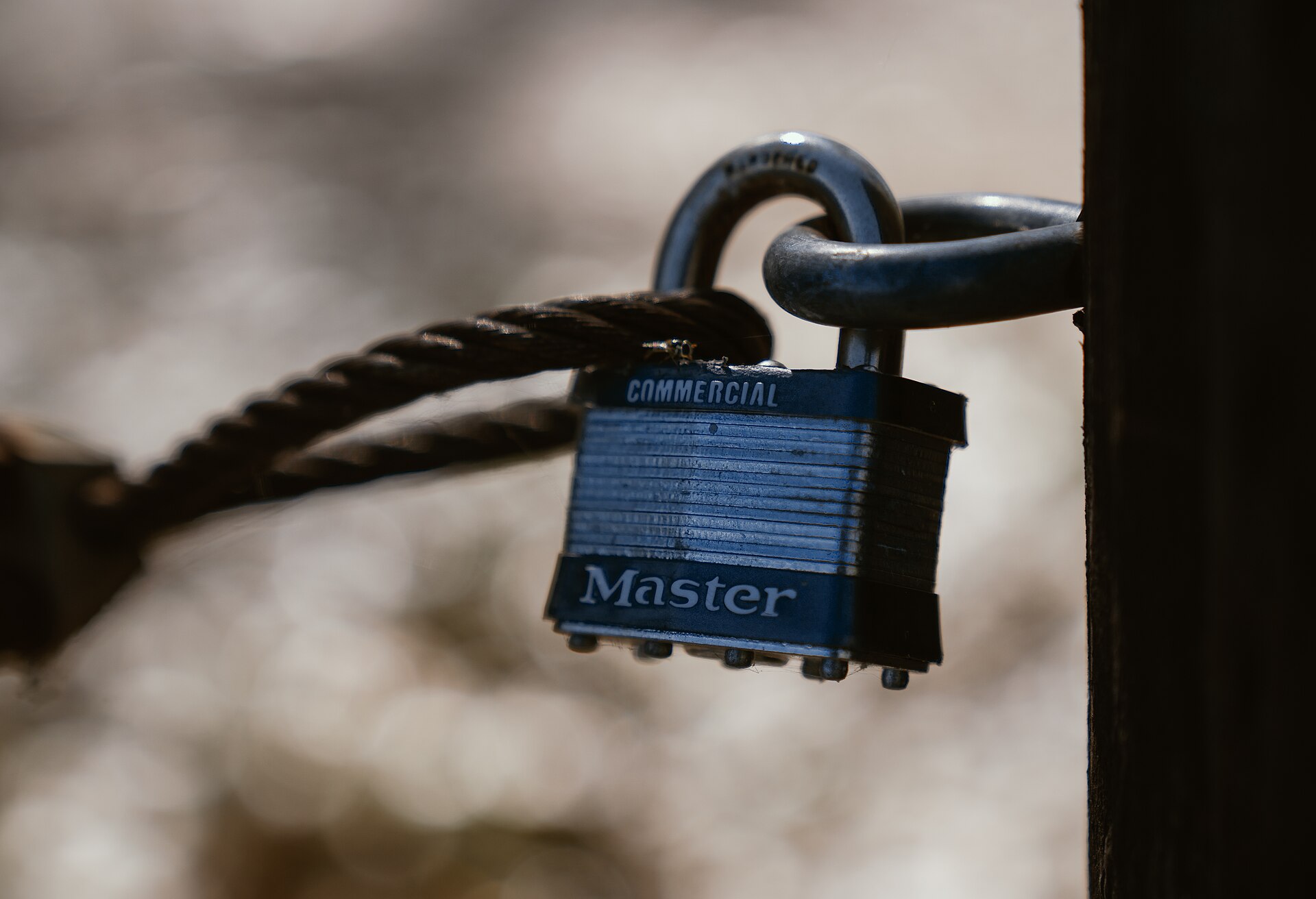
This guide answers the general question, is temp mail safe, for any disposable inbox. For how this site handles your mail, read the privacy and safety page.
Start with the threat model: safe for what?
A single yes or no is misleading, because safety depends on what you stand to lose. Before you paste a temporary address into a form, ask two questions: what happens if a stranger reads this message, and what happens if this address is gone tomorrow? If the honest answer to both is nothing much, temp mail is the right tool. If either answer worries you, use an address you own.
Safe for these jobs
- A one-time download link, template, or document behind an email form.
- A confirmation code for an account you will use once and abandon.
- Reading one newsletter issue before it earns your real address.
- Trying a tool or forum briefly before committing to it.
- Testing a signup form or email flow you built yourself, with mail you control.
Unsafe for these jobs
- Banking, payments, taxes, insurance, or anything involving money.
- Shopping orders, receipts, returns, or warranties that arrive by email later.
- Work, school, medical, legal, or government accounts.
- Social media, gaming, or any account you plan to keep.
- Password resets, two-factor codes, or recovery email for an account that matters.
- Anything private: if you would not want a stranger to read it, it does not belong in a disposable inbox.
Who can see a temp mail inbox?
Three parties can see a temporary inbox, and understanding all three is the key to using temp mail safely.
Anyone who knows the address. A disposable inbox has no password and no login: the address itself is the only key, so anyone who knows or guesses it may be able to open the same inbox and read its mail. Treat every disposable inbox as public, and never receive anything in one that you would not show to a stranger.
The mail service itself. Messages pass through the service that receives them. Here, mail is received and held by Guerrilla Mail through its public API, and addresses use Guerrilla Mail domains. The API documentation asks client apps to pass the end user's IP address and browser type with requests; this frontend passes your browser type, as asked, while your IP address is not available to page scripts, so it is not sent.
The site you sign up with. The site receives the temporary address instead of your real one, which is the whole point. But a temp address hides your email address, not your visit: the site still sees the same connection details as from any visitor, plus anything else you type into its forms. Do not pair a disposable address with your real name, phone number, or payment card.
This frontend adds as little exposure as possible: it has no backend and no database, so your address and session token live only in your browser tab's memory. Close the tab and they are gone.
What temp mail protects you from
- Spam in your real inbox. Marketing follow-ups, trial reminders, and newsletters go to an inbox you will abandon, instead of accumulating in the mailbox you read every day.
- Exposure if a site is breached or sells its list. If a low-trust site leaks its user list, the address in it is a throwaway rather than the one you use for important accounts. Other details you gave that site are still exposed, so this protection is partial.
- Easy cross-site linking by email address. A fresh address per signup makes it harder for sites to connect your activity through a shared email address. Payment details, phone numbers, cookies, and logins can still connect it.
- Handing personal data to the temp service. There is no signup, no password, and no personal details needed to get an address here.
- Cleanup. Expiry deletes the address and its messages automatically. There is no inbox to unsubscribe from and no account to close.
What temp mail does not protect you from
- Phishing. A scam email is still a scam email wherever it lands. The US Federal Trade Commission warns that phishing messages often tell a story to trick you into clicking a link or opening an attachment, posing as a company you trust. Legitimate companies will not email or text you with a link to update your payment information. Ask the FTC's question first: do I have an account with this company? If not, it could be a phishing scam. If yes, contact the company through a channel you know is real, never through the details in the message.
- Malicious links and attachments. A disposable wrapper does not make a link safe. This site never makes links clickable and never lets you download attachments, which removes two common accident paths, but a link you copy into your browser yourself carries the same risk as any link.
- Tracking after you click. Once you leave the inbox and visit a link's destination, the inbox's protections no longer apply.
- Anonymity. Temp mail is not a VPN, not encryption, and not a disguise. It hides your real email address from one website, nothing more.
- Losing the account. When the address expires, password resets, security alerts, and receipts have nowhere to go. This is the most common way people get hurt by temp mail: an account that felt throwaway at signup turns out to matter months later.
The protections on this site, and their limits
- HTTPS. Pages are served over HTTPS, so the connection between your browser and this site is encrypted. Limit: encryption protects the connection, not the contents from the sender or the mail service.
- Text-only display. Messages are shown as plain text only: links are not clickable, images do not load, and attachments cannot be downloaded, which stops trackers and malicious content from running when you open a message. Limit: plain text does not make a message truthful.
- Filtering before mail reaches you. Guerrilla Mail's API documentation states that all HTML in an email body is filtered, with scripts, applets, and iframes removed and images replaced with blocked placeholders. Limit: filtering removes active content, not deception.
- Short lifetime. Addresses here last 60 minutes with no extension, and a session can expire after about 18 minutes of inactivity. Limit: expiry does not delete the sender's copy or a copy someone else already read.
- No sending. This inbox cannot send or reply, so it cannot be used to send spam or phishing from your address. Limit: you also cannot reply to prove ownership of an account, one more reason never to use temp mail for accounts that matter.
A 30-second safety check before you use temp mail
- Would a stranger reading this message cause any harm? If yes, use your own address.
- Could you need this account, its password reset, or its receipts later? If yes, use your own address.
- Is money, identity, health, work, or school involved in any way? If yes, use your own address.
- Did the message arrive unexpectedly, or pressure you to act fast? Treat it as suspicious and check the sender before clicking anything.
- Are you about to copy a link out of a message? Read the destination first, and open it only if it matches the company you expect.
- When you have the code or link you needed, close the tab. Do not leave a public inbox open longer than necessary.
If a site refuses the address, that is normal: many sites block disposable domains (see why websites block disposable email). Respect the block and use a real address instead.
Frequently asked questions
Is temp mail safe to use?
Temp mail is safe for low-stakes, one-time jobs you can afford to lose, such as a download link or a throwaway signup. It is not safe for banking, shopping, work, or any account you need to keep, because the inbox is public and the address expires.
Can someone else read my temp mail inbox?
Yes, treat it as public. A disposable inbox has no password, so anyone who knows or guesses the address may be able to read its mail. Never receive anything sensitive in a temp inbox.
Does temp mail hide my identity?
No. A temp address hides your real email address from one website, but it does not hide your visit, your device, or your connection from that site. It is a spam shield, not anonymity.
Can temp mail give me a virus?
The inbox itself does not infect your device, but messages inside it can still carry phishing links or harmful attachments like any email. Check the sender and the link destination before you click, and never download unexpected attachments.
What happens when a temp mail address expires?
The address and its messages are gone, with no recovery. Here, addresses last 60 minutes with no extension, so any account tied to one loses its password reset route when the address expires.
Is it safe to use temp mail for verification codes?
For a code for a throwaway account, yes, if you would not mind a stranger seeing that code. For a code that guards an account you care about, no, because the inbox is public and the address expires.
Does this site store my messages?
No. This site has no backend and no database, so your address and session live only in your browser tab. Mail itself is received and held by Guerrilla Mail until the address expires.
Why do some websites reject temp mail addresses?
Many sites check the domain against public lists of disposable domains to stop fake accounts, trial abuse, and fraud. A rejection means the site chose to block disposable mail, and no temp service can force it to accept.
🌙 Explore Our FREE Websites
Made by the same team — all 100% free, no sign-up needed.
Sources
- Guerrilla Mail API documentation — the public API this site uses: 60-minute address expiry, session expiry after about 18 minutes of inactivity, HTML filtering that removes scripts and blocks images, and the request for the end user's IP address and browser type.
- How To Recognize and Avoid Phishing Scams (US Federal Trade Commission) — phishing stories and warning signs, the check of whether you have an account with the company, and the advice to contact companies through a channel you know is real.
- Disposable email domains list (GitHub) — an example of the public lists of known disposable domains that sites check at signup, rebuilt frequently as new throwaway services appear.
Disclaimer: This page is general information only, not security or legal advice. The service limits described here were verified on 18 November 2026 and may change. Never use temp mail for banking or important accounts. More answers are in the full FAQ.
More guides: What is temporary email · Temporary email for signups · Is temp mail safe? · Temp mail vs second email account · Why websites block disposable email · ← Back to your inbox · Full FAQ →